

Speed Up Mobile Gaming with Game Booster 4x
Overview
Game Booster 4x, developed by G19 Mobile, is a lightweight Android utility designed to enhance mobile gaming performance. The software targets users who play graphically demanding games such as Mobile Legends and Genshin Impact on devices with limited hardware capabilities. Its primary function is to optimize device processing power through a one-click activation process, aiming to reduce lag, improve frame rates, and stabilize gameplay.
The tool leverages a proprietary Game Turbo technology, described as AI-powered, to streamline background processes and allocate system resources more efficiently. Real-world use cases include improving responsiveness during intense combat sequences or maintaining consistent frame rates in open-world environments. While the software is marketed as a performance booster, it also claims to reduce CPU load to mitigate overheating issues.
However, the developer did not provide additional details about the underlying mechanisms or long-term impact on device health. The application is available at no cost, making it accessible to a broad audience of mobile gamers seeking performance improvements without financial investment.
Key Features & Capabilities
- One-Click Optimization: Activates Game Turbo technology with minimal user input, instantly adjusting system settings for gaming mode.
- AI-Powered Performance Tuning: Uses artificial intelligence to analyze and prioritize gaming processes, reducing background interference.
- GFX Tool for Enhanced Visuals: Increases screen resolution up to 1080p, enables HDR graphics, and unlocks extreme FPS levels for smoother visuals.
- CPU Load Reduction: Aims to lower processor strain during extended gaming sessions to prevent overheating.
- Device Temperature Management: Monitors and regulates thermal output to maintain stable performance over time.
These features are particularly useful for users with low-spec Android devices who struggle with frame drops or screen stuttering. For example, a player using a budget smartphone can activate the booster before launching Genshin Impact to experience fewer stutters and higher visual fidelity. The GFX Tool allows users to manually adjust graphical settings, offering a degree of customization.
While the software does not specify exact performance gains, the described capabilities suggest improvements in responsiveness and visual quality. The integration of AI suggests adaptive behavior, though the extent of its learning or real-time adjustments remains unspecified. Overall, the feature set is tailored toward gamers seeking a more immersive and stable experience on constrained hardware.
User Interface, Workflow & Performance
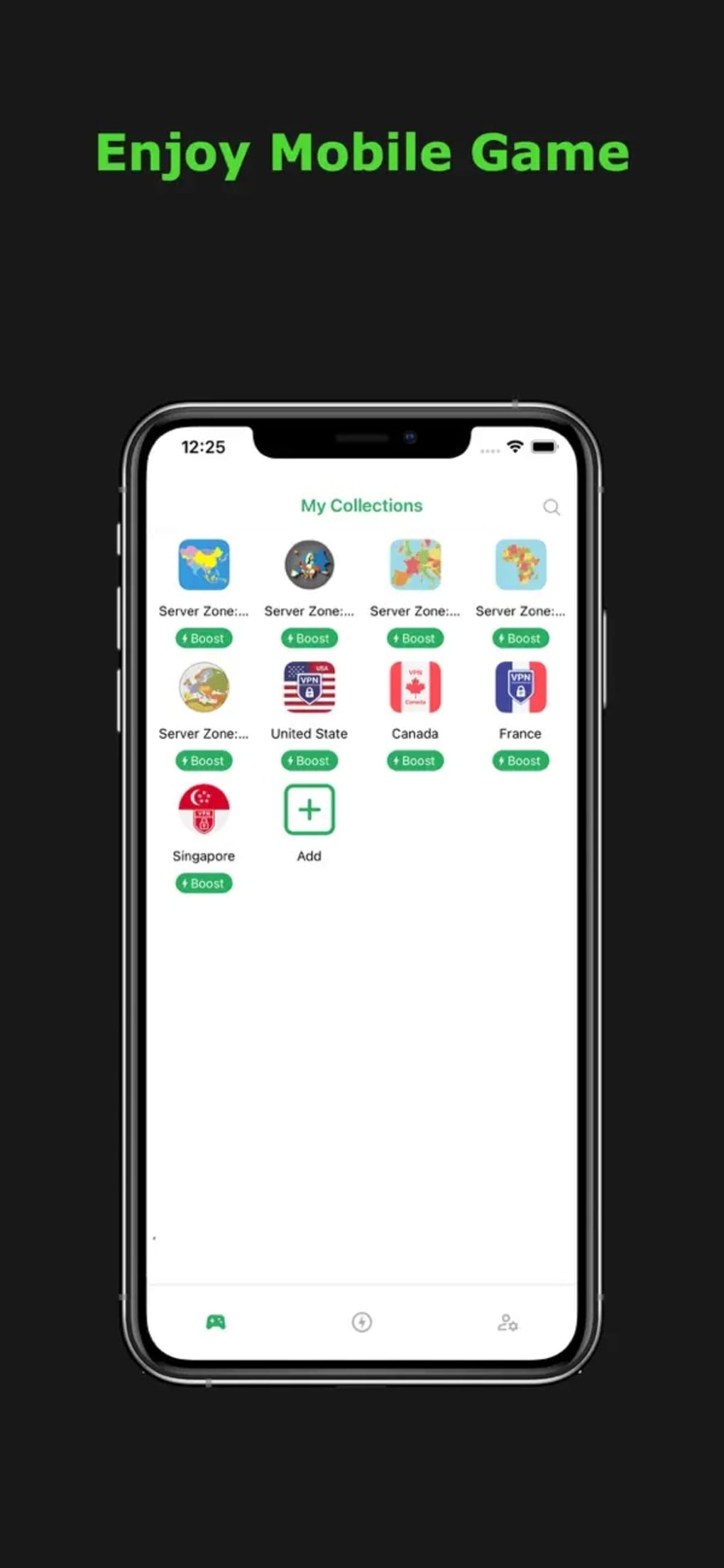
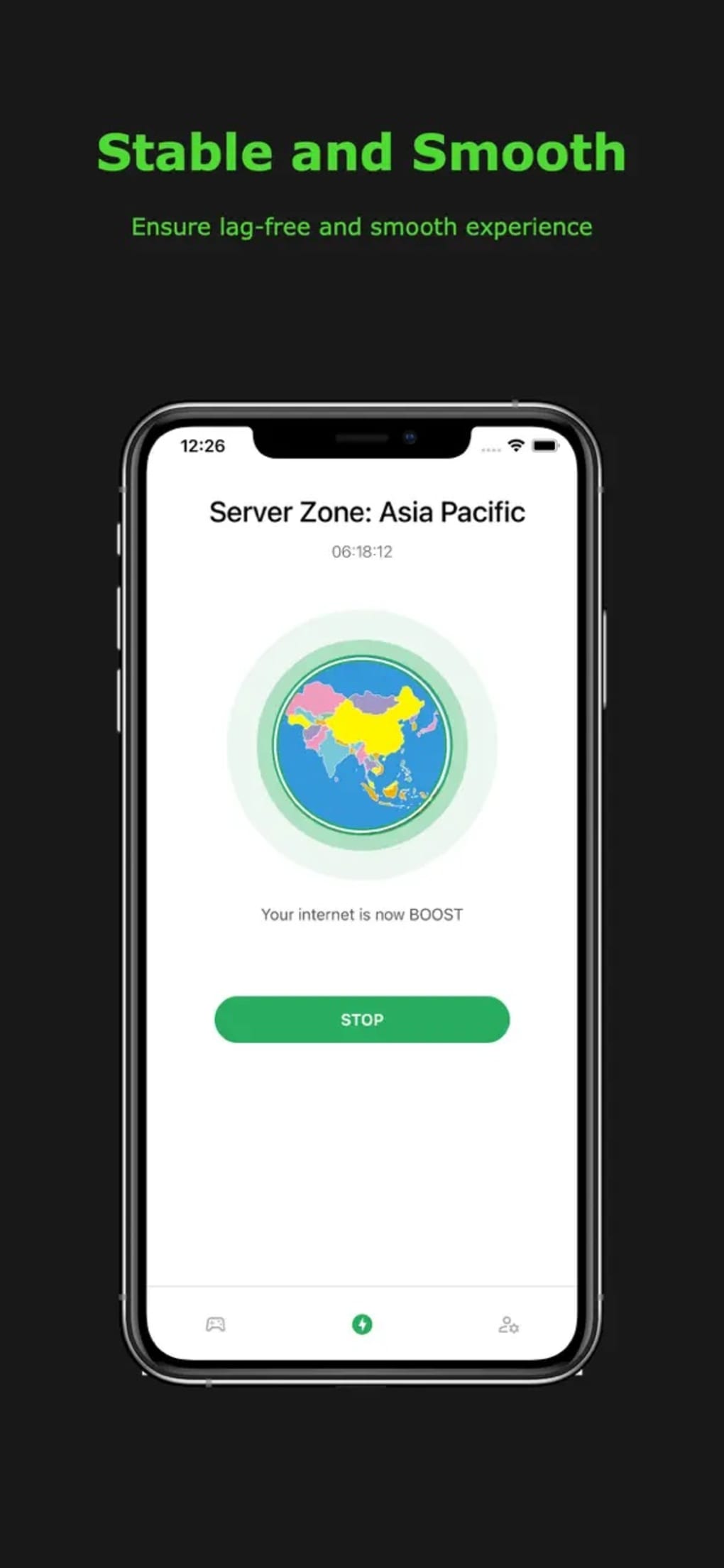
The user interface of Game Booster 4x is designed for simplicity, with a minimal layout focused on core functions. Navigation is straightforward, typically involving a single tap to initiate optimization. The workflow is optimized for speed, allowing users to enter gaming mode in seconds.
However, performance observations are based on general software behavior patterns, as exact metrics were not provided. The developer did not specify resource usage details such as RAM or CPU consumption during operation. Stability concerns have been reported, including instances of the app crashing or auto-exiting during gameplay.
Additionally, intermittent ad pop-ups disrupt the user experience, which may affect focus during critical game moments. While the software claims to reduce CPU load, actual thermal regulation behavior was not verified. Users may notice a temporary performance boost, but reliability remains a concern.
The application’s lightweight size of 12.4 MB suggests low storage impact, though long-term effects on battery life or system responsiveness are unclear.
Compatibility & System Requirements
Game Booster 4x is compatible with Android devices, though specific version requirements were not listed. The application has a file size of 12.4 MB, indicating a compact footprint suitable for devices with limited storage. The developer did not provide additional system requirements, including minimum RAM, processor type, or Android version.
Compatibility information is limited to the operating system, with no mention of tablet support or other platforms. Users should ensure their device runs a current version of Android to avoid potential issues. The lack of detailed technical specifications makes it difficult to assess suitability for older or less common devices.
While the software is designed for mobile gaming, its interaction with other system-level apps or security features was not disclosed. Overall, platform compatibility is confirmed at a high level, but precise compatibility details remain unavailable.
Pros and Cons
Pros
- Free to use with no upfront cost
- One-click optimization for quick setup
- Enhances visual quality with 1080p resolution and HDR support
- Reduces CPU load to help manage device temperature
- Lightweight at 12.4 MB, minimal storage impact
Cons
- Prone to crashes and auto-exits during gameplay
- Intermittent ad pop-ups disrupt the gaming experience
- Limited information on system requirements and compatibility
- No official performance benchmarks or verification data
- AI-powered claims lack transparency on implementation
FAQ Section
Is Game Booster 4x compatible with all Android devices?
Game Booster 4x is designed for Android, but the developer did not specify exact compatibility requirements. Users should ensure their device runs a supported version of the operating system.
Is the software safe to use?
While the application is available from a known developer, it includes ad pop-ups and has been reported to crash during use. Users should exercise caution and review permissions before installation.
Does Game Booster 4x require an internet connection?
The software may require occasional connectivity for updates or ad delivery, but core optimization functions can operate offline.
How often should I update Game Booster 4x?
Updates are recommended when new versions are released to ensure compatibility with the latest games and system changes. The latest version available is 4.2.1.
Can I use Game Booster 4x without ads?
There is no indication of an ad-free version. The application includes pop-up ads, which may appear during gameplay or while the tool is active.
Final Thoughts
Game Booster 4x presents a compelling solution for mobile gamers using low-spec Android devices who seek improved performance and visual quality. Its one-click optimization, AI-powered tuning, and GFX enhancements offer tangible benefits in frame rate stability and graphical fidelity. The tool’s ability to reduce CPU load and manage temperature adds value for extended gaming sessions.
However, reliability issues such as crashes and intrusive ads significantly impact user experience. While the software is free and lightweight, these drawbacks may deter users seeking a consistent and uninterrupted gameplay environment. For casual gamers who prioritize visual improvements over stability, it remains a viable option.
Nevertheless, those requiring a dependable, ad-free experience should consider alternatives with more transparent performance records. Overall, Game Booster 4x delivers on its core promise with notable limitations.
Download Game Booster 4x now







